
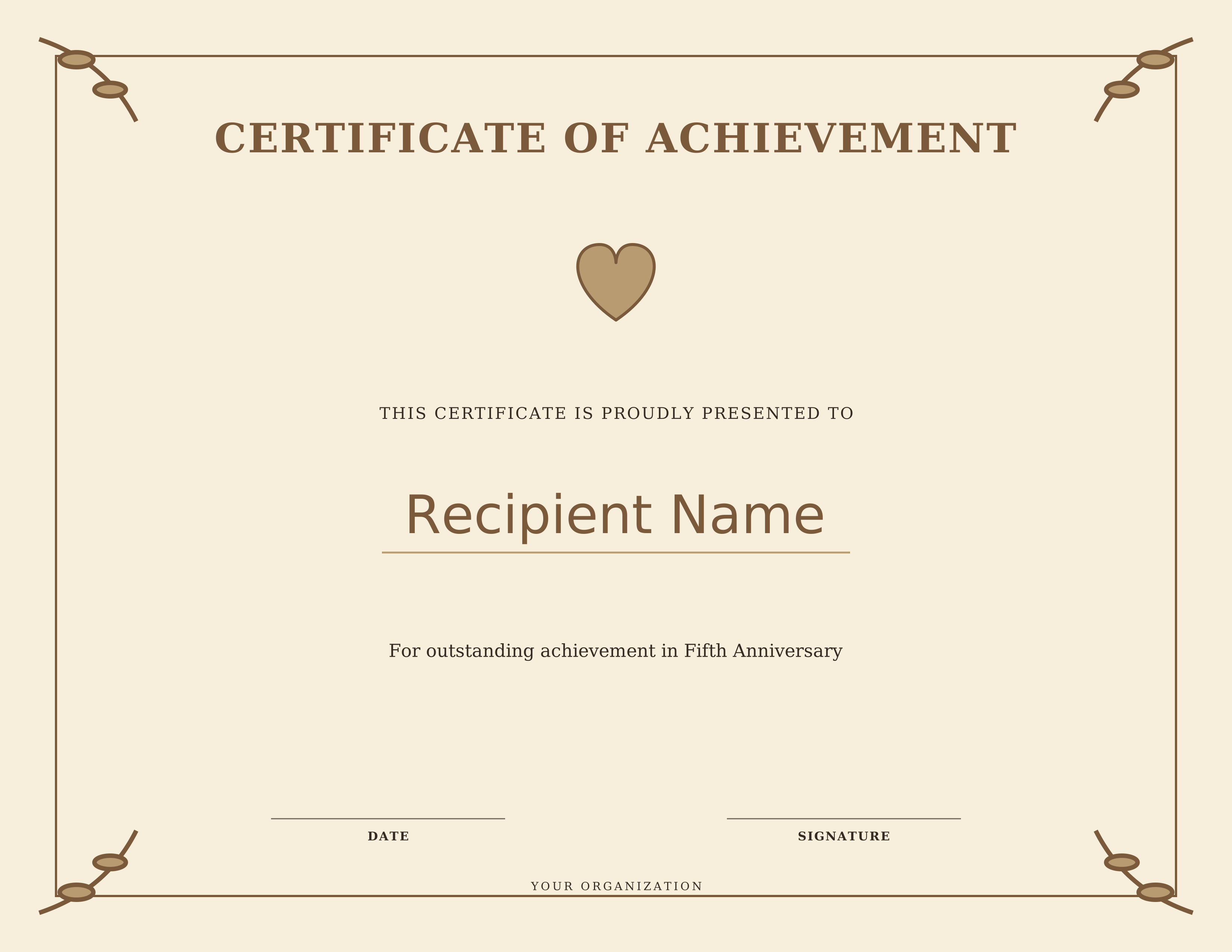
Wedding & Anniversary
Free Printable Fifth Anniversary Certificate
Choose from four free printable fifth anniversary certificate designs created for wedding & anniversary. Personalize the recipient name, award wording, date, signature and organization directly in your browser, then download a high-resolution PNG or use the print option to save a PDF. No account or design software is required.
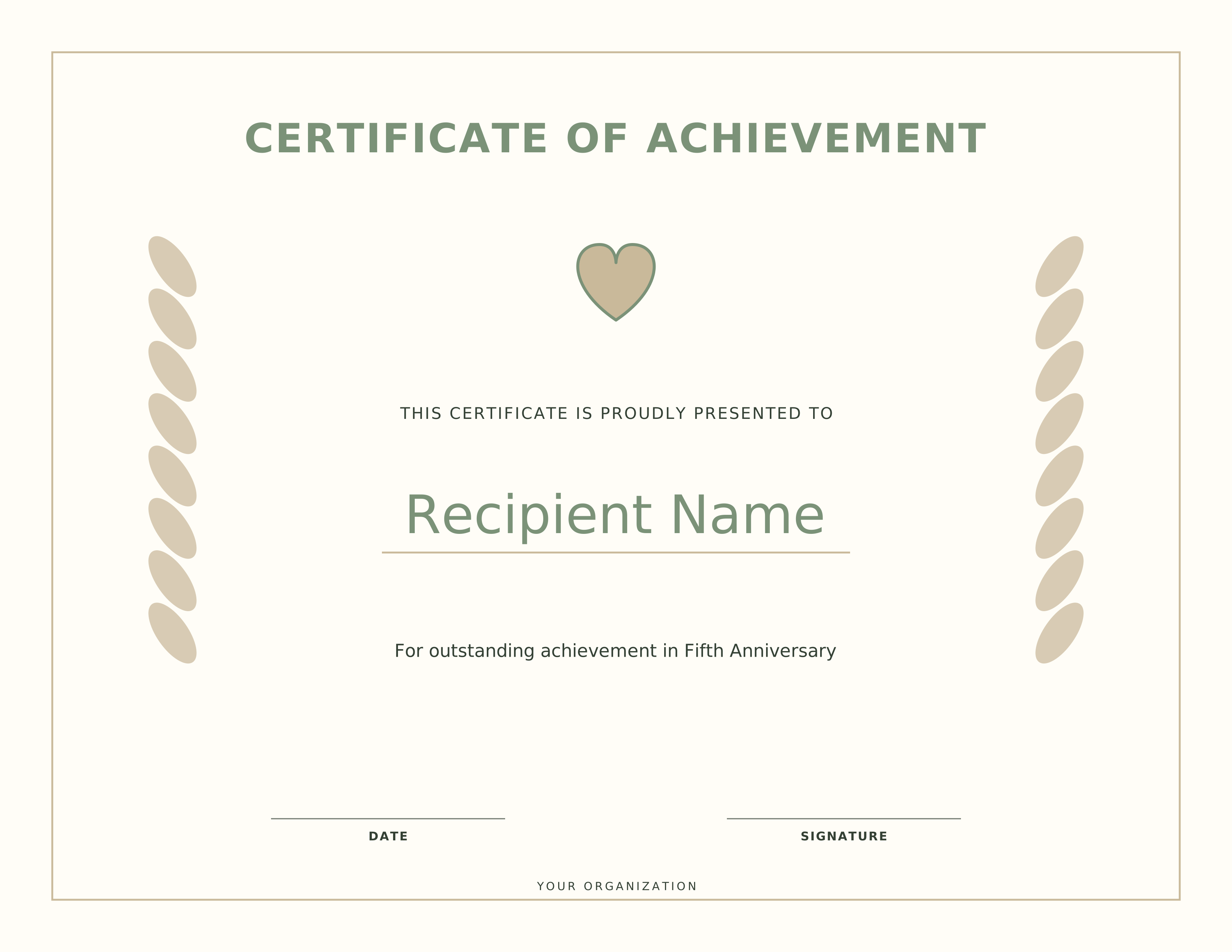
Fifth Anniversary Certificate – Design 2
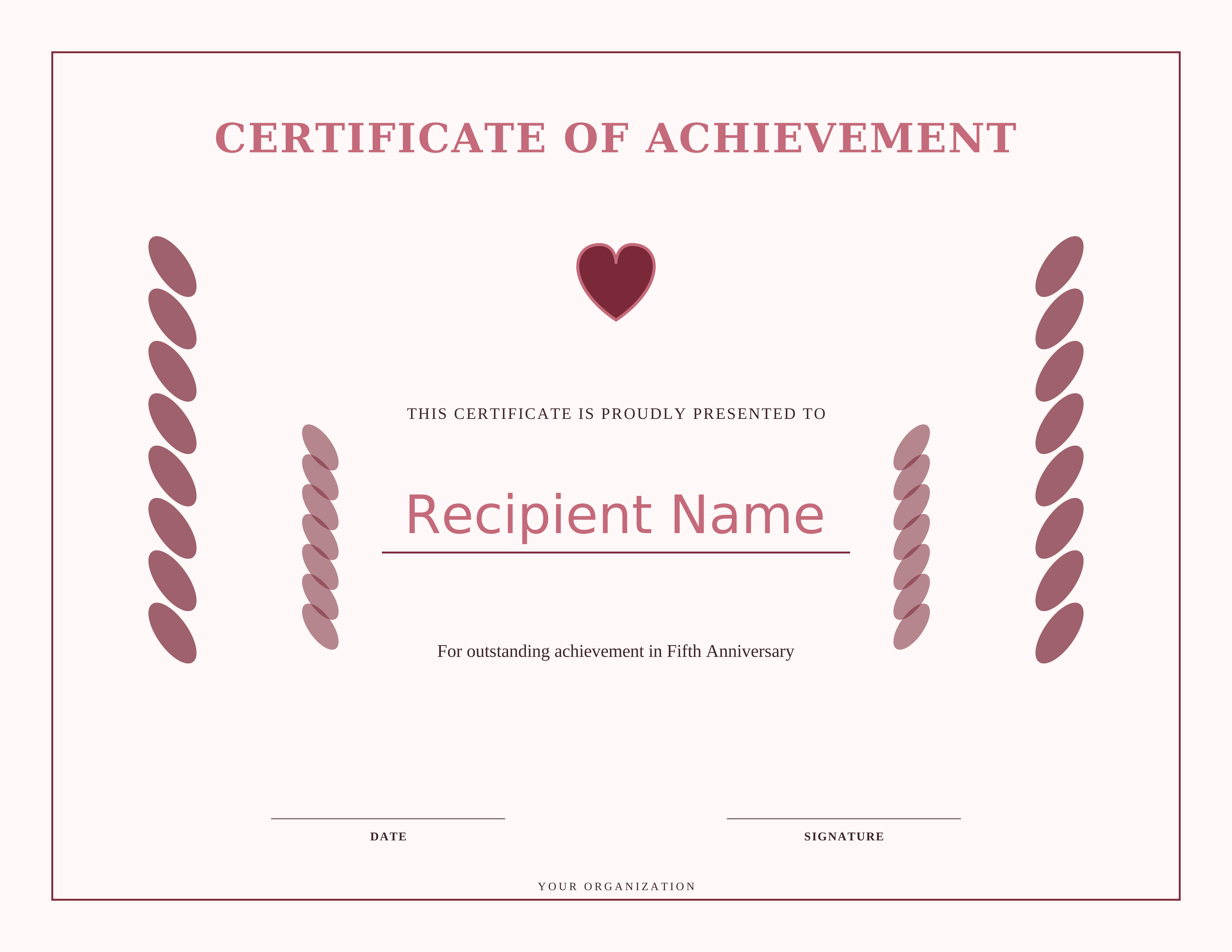
Fifth Anniversary Certificate – Design 3
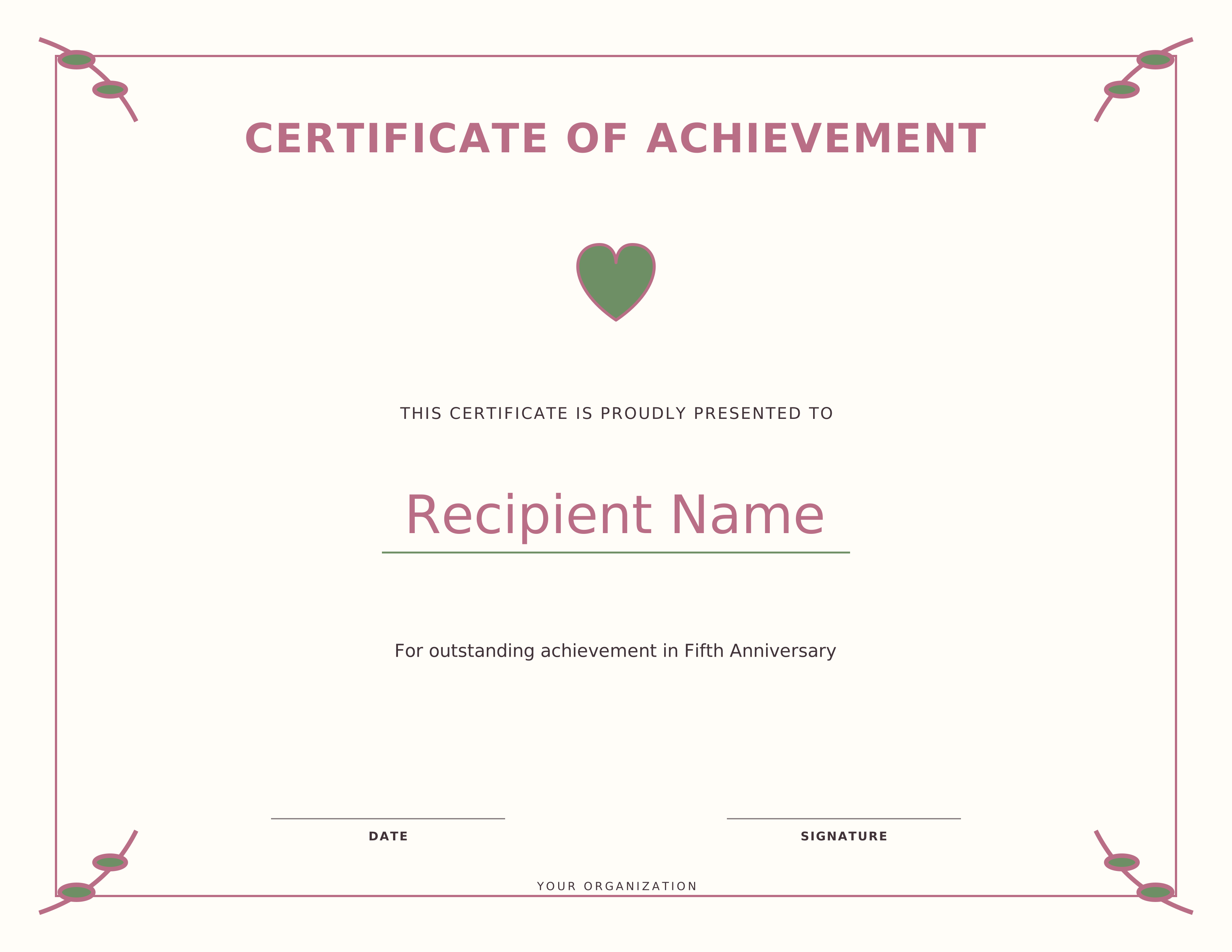
Fifth Anniversary Certificate – Design 4
About these Fifth Anniversary Certificate templates
These templates give you a quick way to recognize fifth anniversary with a professional printable certificate. Each design uses vector artwork, so the certificate stays sharp at US Letter size. You can use the ready-made wording or replace it with your own message in the customizer.
How to customize and print
Select a design, choose Customize, and enter the recipient name and any details you want to change. Use Download PNG for a high-resolution image, or Print / Save PDF to open the browser print dialog. For the cleanest result, print at 100% scale on US Letter paper in landscape orientation unless the selected design is marked portrait.
- Choose one of the four certificate designs above.
- Click Customize to edit the recipient, reason, date, signature and organization.
- Select Download PNG for a full-resolution image.
- Select Print / PDF and choose Save as PDF if you want a PDF file.
Frequently asked questions
Are these fifth anniversary certificate templates free?
Yes. The certificate designs on this page are free to customize, print and download for personal, classroom, organization or workplace use.
Can I edit the recipient name and wording?
Yes. Open any design in the customizer to change the recipient name, award reason, date, signature and organization fields before downloading or printing.
Can I save the certificate as a PDF?
Yes. Choose Print / Save PDF. In Chrome, Edge and most modern browsers, select Save as PDF in the print destination. You can also download a high-resolution PNG directly.